The logo
The game is called DEAD CUTE, and its domain is playdeadcute.com. This page covers how we chose the name and the logo, how we rebuilt the logo into a master the game can draw at any size and in any screen style, and what is left to do. Partway down there is a live view where you can try every option, drawn the way the Lantern will show the logo once it becomes a live screen during matches.
The name
On 19 October we tried 17 names, looking for one that is dark and kawaii at once, to suit soft bunnies in a shooter. Eight made the shortlist: EARSHOT, HOLLOW HEART, PAWS UP, DEAD CUTE, LAST HOP, LUCKY FOOT, SOFTKILL and BUNNYHOLE. A quick search found only one of them already in use: PAWS UP is the name of an itch.io jam game and of a 2025 card game. DEAD CUTE won because its domain was easier to get, and playdeadcute.com is now bought.
Above are four of the other shortlisted names, as GPT Image 2.5 drew them. Each shortlisted name was drawn by three image models, 80 logos in all:
- Midjourney 8.2 drew soft, painted letters and misspelled 4 of 32.
- Nano Banana Pro spelled all 16 right, but twice ignored the black background.
- GPT Image 2.5 spelled all 32 right and drew the most exaggerated kawaii letters.
In that round the prompt for DEAD CUTE asked for a small rifle tucked under the word, so every drawing of it has one.
How it was found
In the DEAD CUTE round, on 19 and 20 October, Midjourney, Nano Banana Pro and both GPT Image 2.5 models drew the name in one row and in two rows, in four kawaii styles: flat and bold, puffy vinyl, neon and pixel. That made 56 logos in all. The Lantern is also a giant round screen that will show the logo, so we viewed every logo through screen effects (hologram, LED, CRT, glitch) on the Lantern, over the meadow and over the hull.
That round gave us three rules:
- There is no gun in the logo.
- Two rows suit the round screen and an icon; one row suits wide places.
- On a round screen, the LED effect is only readable when the whole disc turns into lights on a dark ground.
GPT Image 2.5 spelled all 20 of its logos right, Nano Banana Pro all 10, and Midjourney 36 of 40.
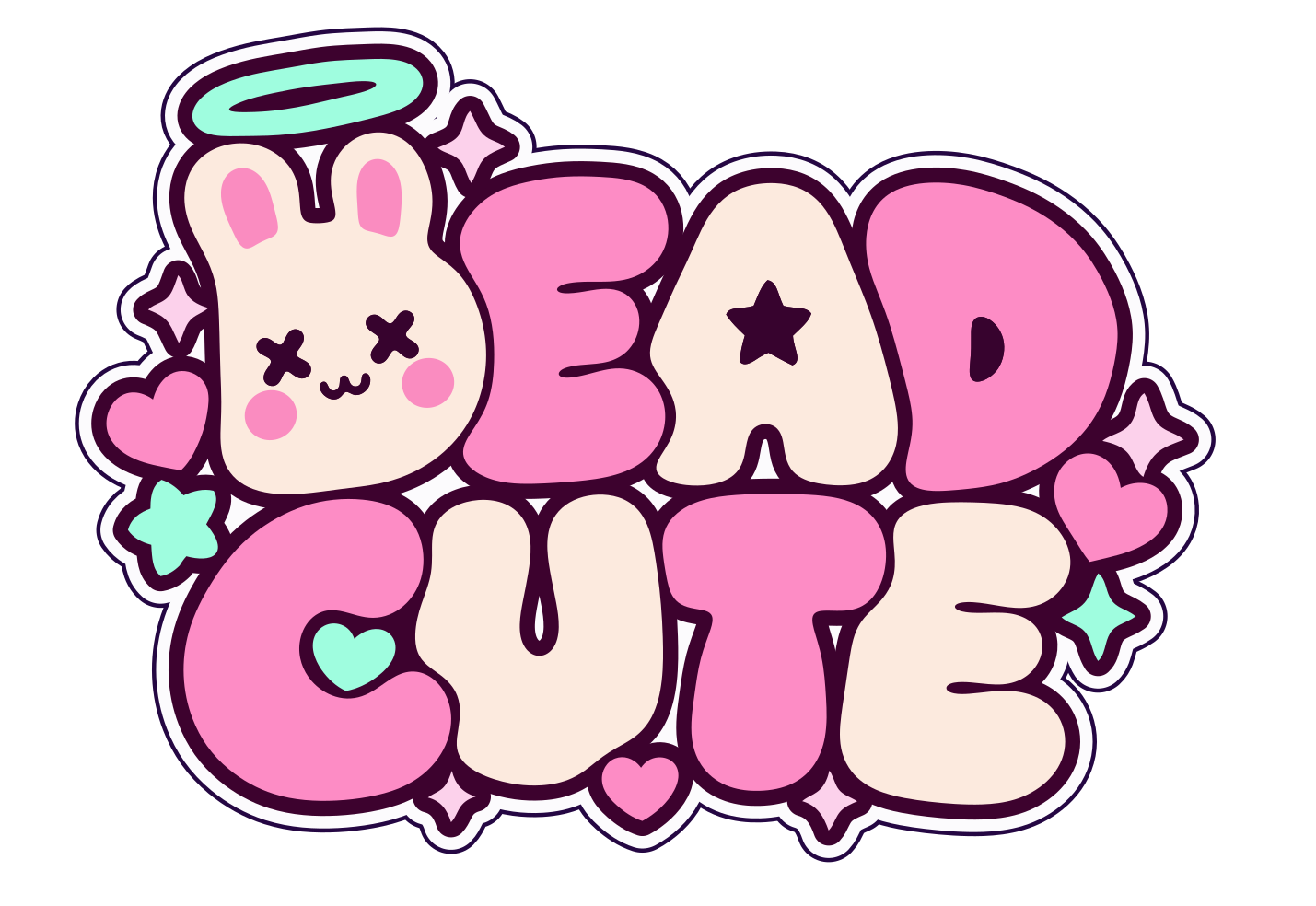
On 21 October we picked k2-gs, GPT Image 2.5's puffy two-row logo. The bunny's head is the first D and wears a halo, with hearts and sparkles around it, all on a plum plate inside a white sticker band.
An image model's logo is a fixed grid of pixels. Its backing can't be taken away, its edges blur when it is scaled up, and screen effects can only be laid on top of it. So we rebuilt k2-gs as a vector master, with the outlines as curves, the backing as widths, and the shading and screen effects as settings. The rest of this page is about that master.
Live
Your graphics card draws the logo from three textures baked from the vector master:
- the exact distance from every pixel to the nearest curve, stored at 16-bit precision;
- the tilt of the puffy surface;
- which part each pixel belongs to.
The plate, white band and rim are each a set distance outside the letters, so their widths are sliders. Setting all three to zero removes the dark backing without redrawing anything. Puff, gloss and light angle control the lighting. The colour fringe slider controls the red and cyan edge that GPT drew into the picture. Zoom goes up to eight times on the bunny's face, so you can see that the edges stay sharp.
- Puffy is lit the way the drawing is lit.
- Flat keeps only the shapes and colours, which is what an LED or pixel screen needs.
- Neon draws a glowing tube just inside every outline and around the face. It needs the outlines as data, which the pixel logos from the DEAD CUTE round don't have.
The screens are the effects from the DEAD CUTE round, plus a pixel screen.
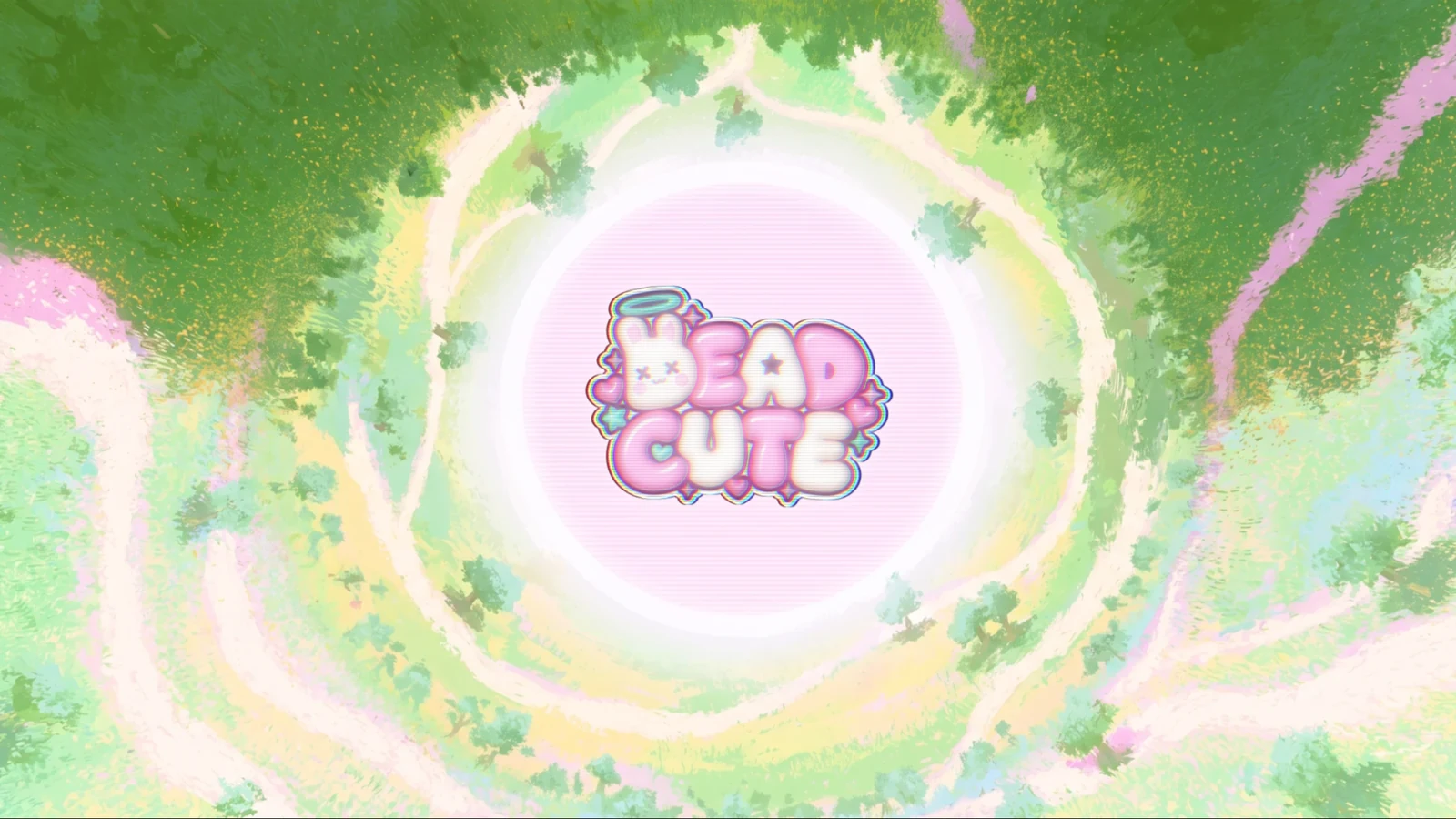
Trying the combinations showed two things:
- Without the backing, the logo is easy to read over the dark hull, and it fades into light backgrounds: the cream letters disappear on the meadow, and the whole logo fades on the Lantern's pale pink screen. On the meadow a thin plate of about 7 pixels is enough. On the Lantern the logo needs its full plate, unless the screen is set to LED, which darkens the disc.
- On the LED screen, with 72 lights across the disc the letters blur together, and with 120 they separate. The white colour set looks worse on LED, because the white letters glow into one shape.
In 3D
In three.js, each shape from the master becomes a 3D piece:
- Letters and decorations are extruded, with a rounded edge cut inward so the outline stays exactly where it was drawn.
- The bunny's face (eyes, mouth, blush and ear insides) is a set of decals on its front.
- The A's star and the D's counter are real holes, so the plate shows through them.
- The plate, band and rim are thin layers behind the letters.
Two coloured lights take the place of the drawn colour fringe: pink from the top left and mint from the bottom right. The letters bob in a wave, the halo floats and the sparkles pulse. Drag the picture to turn it.
The materials are:
- Vinyl: colour under a clear coat.
- Jelly: light passes into the letters.
- Chrome.
- Holographic foil: its colour shifts with the viewing angle.
The highlights here are softer than the white streaks GPT painted. Lighting the letters with a few bright studio panels would sharpen the highlights without changing the shapes.
How close it is
How the master was made:
- Split. Each bright region inside the plum plate is one part. That gives 20 parts: the eight letter shapes with the bunny as the first D, the halo, six sparkles, four hearts and a star. The 6 holes in them are the eyes, the mouth, the A's star, the D's counter and the halo's middle. Seven tiny reflections in the gaps between letters were dropped.
- Find the edge. Each part's edge is the line where the brightness crosses halfway between ink and fill, found with sub-pixel precision.
- Fair the curves. Each edge is fitted with a smooth curve, and the fit is penalised every time the curve's curvature changes. Points that fall too far from the drawn edge get more weight, and the fit is repeated. The result bends only where the drawing really bends. How far a curve may move depends on the size of the feature:
- letters: up to 3 pixels;
- the halo: 2 pixels;
- sparkles, hearts and the star: 1.2 pixels;
- the A's star and the D's counter: 0.8 pixels;
- the eyes and mouth: 0.6 pixels.
- Corners by rule. Sharp corners exist only where the drawing has points: four per sparkle, two per heart and ten per star. Everything else is smooth.
- The D follows the A. In the drawing, the gap between the A and the D is 21 to 24 pixels wide through the middle, narrows to 6.5 pixels where the A's right leg bulges, and widens to 40 at the bottom. The D's left side also waves in and out and has a small spur at its corner. That side is now drawn as the A's right side moved outward by 16 pixels, which is the usual gap between letters in the logo. It blends into the D's own top-left lobe and turns a rounded corner into the drawn bottom edge. The gap stays at 16 pixels, within 0.4, from the D's lobe down to where its corner begins, and then narrows to 14.6.
- Paint. The ear insides and blush are fitted the same way along the pink-to-cream edge inside the bunny.
- Exact distances. The renderer's distance texture is computed from the curves themselves, with no pixel render in between. The letters' distances are stored at 16-bit precision.
The first version of the master traced the drawing faithfully, hand wobble included, so in the neon look its tubes had small bumps and steps. Below are the same spots before and after fairing the curves:
| First version | Fair curves | |
|---|---|---|
| Bend reversals on the seven letters | 119 | 44 |
| Bend reversals on the whole logo | 244 | 141 |
| Mean distance from the drawn edge | 0.39 px | 0.66 px |
| Largest distance from the drawn edge | 3.7 px | 3.0 px, and 9.4 px on the D's reshaped side |
| Gap between the A and the D | 6.5 to 24 px | 16 px, within 0.4 |
| Bézier curves | 371 | 580 |
| Distance texture | from a pixel render, 8 bits | exact, from the curves, 16 bits |
A bend reversal is a place where the outline switches between bending one way and bending the other.
- Letters: a bubble letter needs only a few, at its notches and counters, so every extra one is a wobble. The C now has 2, one at each end of its mouth, where it had 14. The T has 4, its minimum.
- The rest of the logo: most of the remaining reversals are real shape. Each X eye and the "w" mouth have several, and each sparkle has seven or eight, along its curved-in sides.
The curves stay tangent-continuous at every joint except the 52 corners. They are written as more, shorter Bézier pieces than before (580 against 371), so each piece follows the smooth curve to within 0.05 pixels.
The backing in the picture turned out to be outlines grown outward from the shapes by fixed widths. I measured them:
- Plum plate: the parts grown outward by 16.4 pixels (median; 90% of points fall between 13.9 and 19.0).
- White band: 13.5 pixels.
- Dark rim: 4.5 pixels, which with the band makes a steady 18.0 pixels (17.5 to 18.4).
That is why the backing could become three widths.
What differs from the picture:
- Gloss. GPT painted sharp white gloss streaks. The renderer computes its highlights from a surface shape, so they fall in similar places but are softer and more even.
- Sharp tips. Very sharp tips, such as the sparkle points, round off slightly at very large zoom, because a single distance channel rounds corners. A three-channel distance texture (MSDF, the usual fix in games) keeps them sharp.
- Smoother than the drawing. The letters' hand wobble is gone, which moves their edges by up to 3 pixels, 0.2% of the logo's width. The D's left side is reshaped to follow the A and moves by up to 9.4 pixels: inward about 6 through the middle, where the gap was wide, and outward about 9 where it pinched. The shapes otherwise follow the drawing; for example, the A's left side keeps the gentle dent where the E's lower lobe presses against it.
- The two E's differ from each other in the drawing, and the master keeps both as drawn.
Layers
The master has six layers. The bottom three are generated: each is the outline of all the shapes grown outward by one width, so a single number sets each of them. Above them come the 20 shapes, each assigned to a colour class (pink, cream, mint or sparkle). Colours come from a palette, so choosing a colour set recolours the whole logo at once. The paint layer is the ear insides and blush. The top layer is the ink: the eyes, the mouth, the A's star and the D's counter. The SVG keeps these as named groups, so the master opens in Figma or Illustrator with its layers intact.
As a typeface
The logo uses seven letters in six letterforms: D (once as the bunny), E twice, A, C, U and T. To see whether an existing font comes close, I filled each logo letter, scaled it to a square, and laid it over the same letter from 20 open-licence bubble fonts. The score is overlap (intersection over union), where 1.0 means identical.
| Compared | Mean overlap |
|---|---|
| Sniglet ExtraBold | 0.854 |
| DynaPuff Bold | 0.849 |
| Gluten Black | 0.839 |
| Modak | 0.828 |
| The logo's own two E's, against each other | 0.815 |
| Helvetica Bold, as a plain baseline | 0.595 |
Sniglet and DynaPuff come closer to the logo's letters than the logo's two E's come to each other. Either could set the game's other words, such as menus, the Lantern's messages and the "Enter the shell" button, in a matching style. Both are under the SIL Open Font License, which allows use in a game.
A full DEAD CUTE typeface would mean drawing the other 20 letters and the digits in the logo's style. The shorter route is to start from Sniglet or DynaPuff and adjust it toward these seven letters. The bake works on any outline, so words set in either font could get the same plate, puff and screen effects.
At small sizes the letters are drawn slightly differently. In the corner of these pages the logo is 160 pixels wide, so one screen pixel covers about nine pixels of the master. The plum cuts that shape the letters (the E's arms, the U's slot, the notches under the T, the gap between the A's legs) and the lines between letters are a median 10 master pixels wide, which is about one screen pixel. At that width the E, A and D ran together, and the E read as a rounded block.
The corner version thins every letter by 5 master pixels along its whole edge, so each cut widens by 10, to a median of 18 master pixels, about two screen pixels. The letters' strokes are 76 to 131 master pixels thick, so they lose 8 to 13 percent of their thickness. The A's star and the D's counter grow by 3 pixels so the D keeps its hole. The shapes, colours and backing stay as they were. The scanlines over the corner logo went from 10 to 6 percent white, because on a screen between 1x and 2x they land unevenly and stripe the letters. Type designers call a version drawn for one size an optical size. The master and the live view are unchanged.
Next
We have chosen the logo. Six steps would finish the master:
- The Lantern as a live screen. During matches the Lantern will show the logo in different styles. The renderer on this page is the starting point: it draws the logo from three textures in two shader passes, and every option above is a number that the match can change over time.
- Lock the shapes. Go over master.svg once in Figma or Illustrator:
- decide whether the two E's should match;
- smooth any wobble you want gone;
- adjust the spacing.
- Make the textures for big screens. Bake the distance texture with three channels (msdfgen) at 4096 pixels, so sparkle tips and notch ends stay sharp on a screen the size of a stadium's.
- Hand the kit to the game. It has three parts:
- the SVG for menus and the web;
- the three textures and the two shaders for the Lantern's screen;
- a glTF file of the 3D letters if the game wants the logo as an object in the world.
- Choose the motion. The part ids already let the sparkles twinkle. In 3D the letters bob, the halo floats and the sparkles pulse. Choose which of these belong to the title screen, and whether the bunny should blink.
- Choose the companion font. Pick Sniglet or DynaPuff for in-game words now, and decide later whether a full custom font is worth drawing.
The tracing, backing offsets and texture bake are scripts today. As a step in The Curator's studio, they would run on any future logo the same way.
Files
- master.svg: the layered vector master, with the rim, band, plate, fills, paint and features as named groups.
- master-noplate.svg: the same without the backing.
- master.json: the shapes, holes, paint, palette, backing widths and backing outlines, for code.
- dist.png, normal.png and ids.png: the renderer's three textures, at 2048 by 1410 pixels. dist.png holds the letters' distance at 16 bits (red is the high byte, green the low byte) and the face in blue. normal.png holds the surface tilt in red and green and the paint in blue.
- lab.js and view3d.js: the live renderer and the 3D view.
- measures.json: every number on this page.
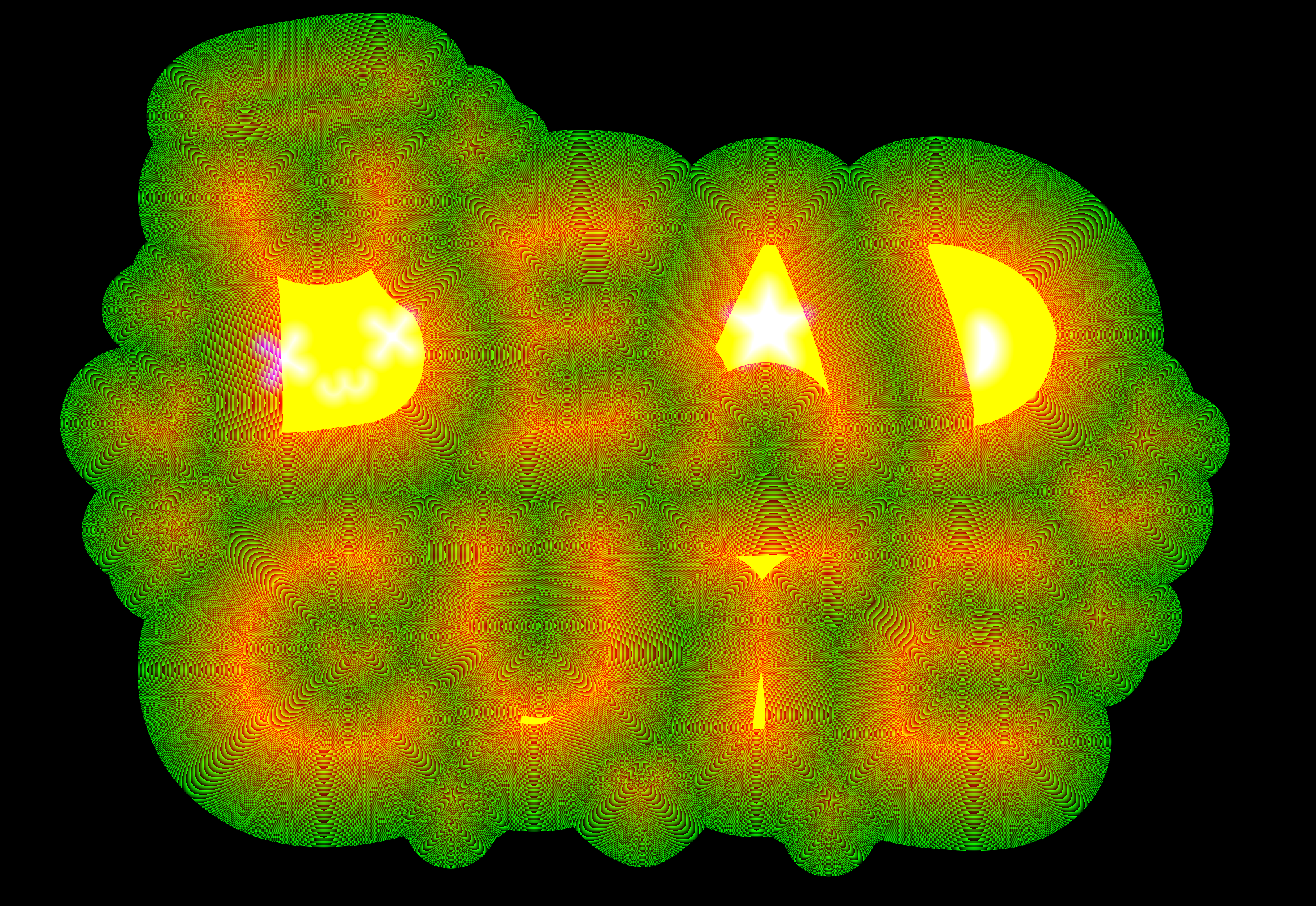
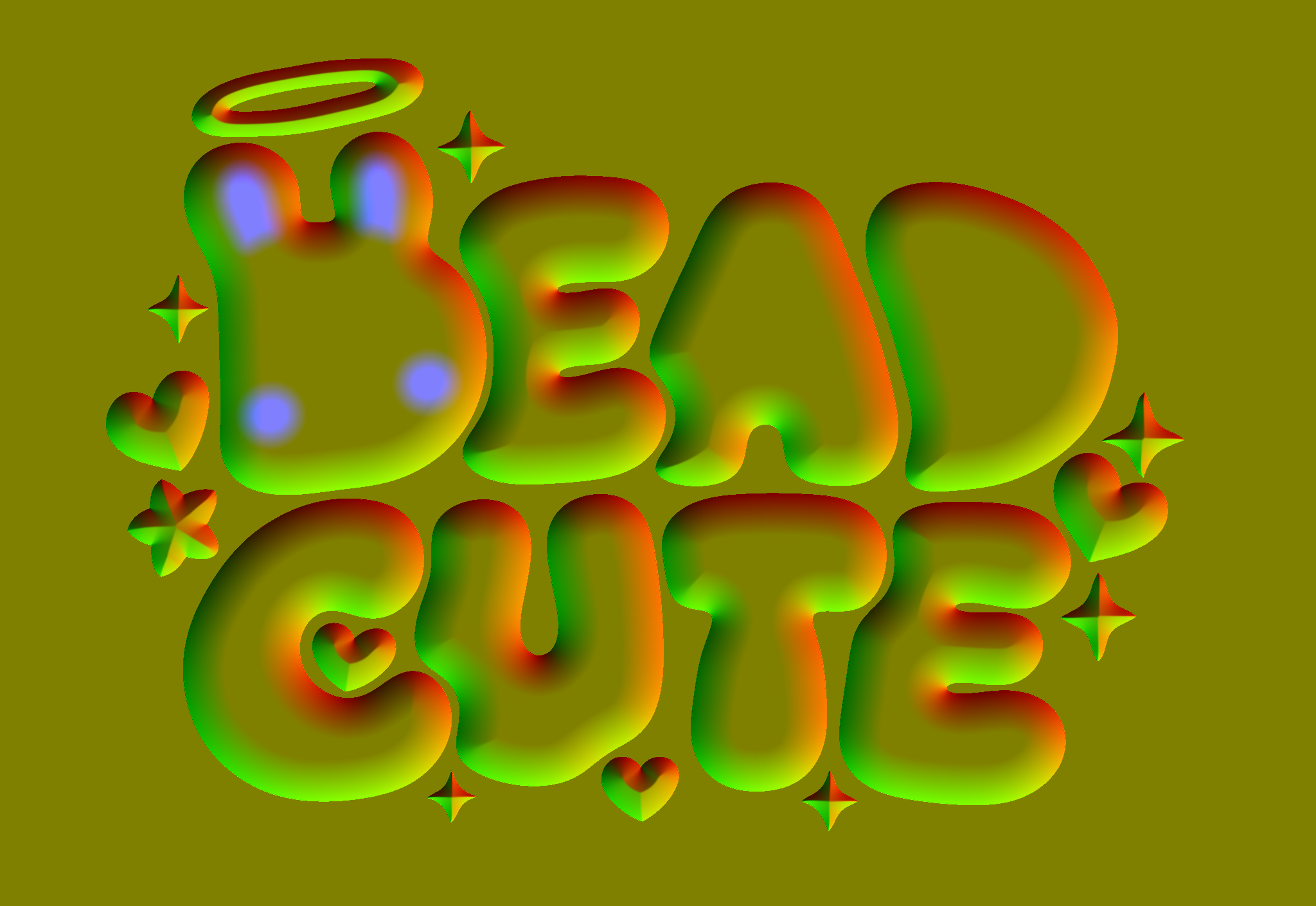
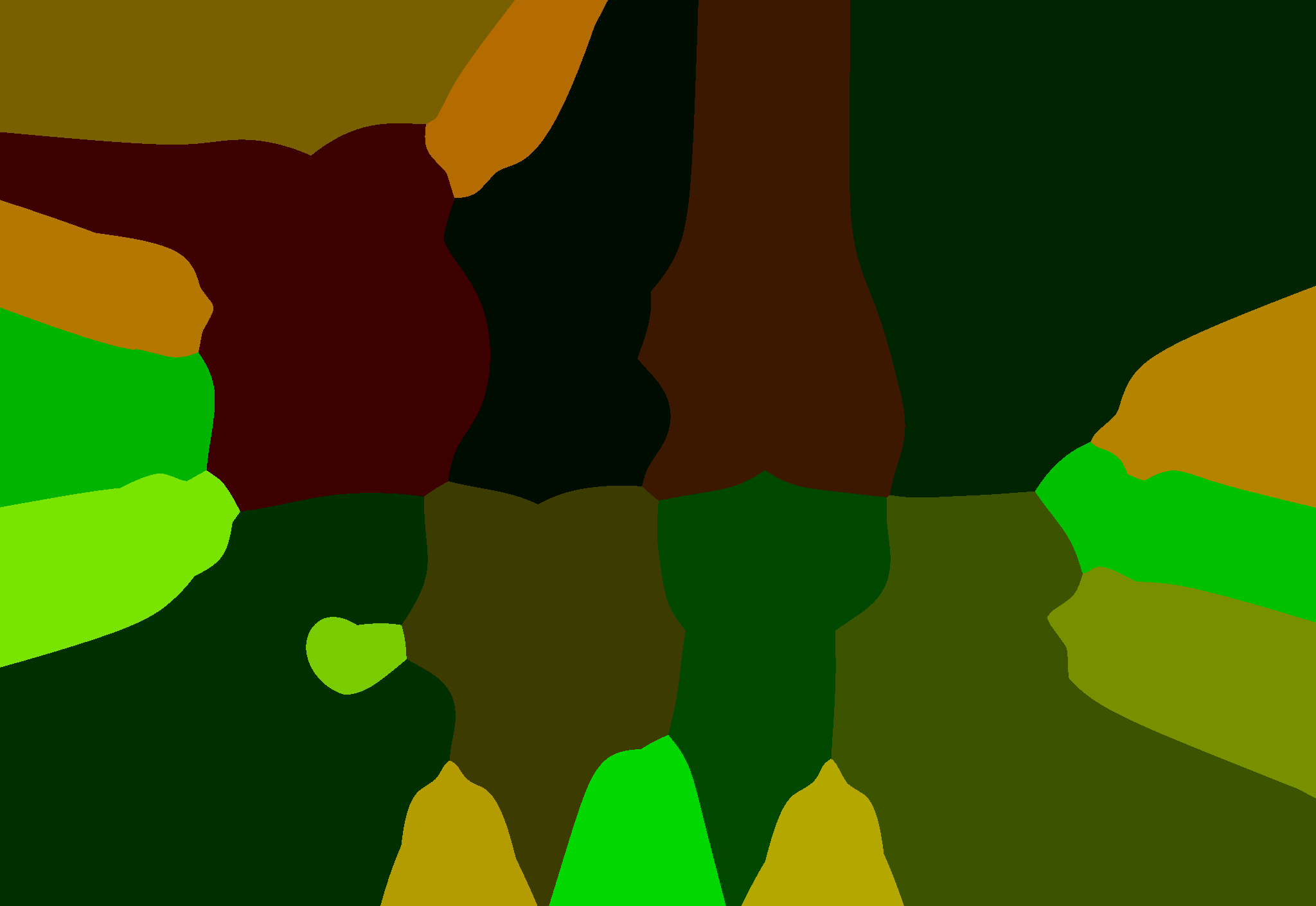
Made on 21 October 2026 from k2-gs (GPT Image 2.5 sunburst, in the DEAD CUTE round), with the curves faired and the D's left side reshaped the same day. No image model was used to make the master: the tracing, fitting and texture bakes ran locally. The 3D view loads three.js 0.165 from jsDelivr.